
Appearance
Connecting a POS
To connect a marketplace application to the POS Hub platform, first navigate to the location where you want to connect the POS. If you have not created a location yet, see Create Location.
- In the POS Hub platform, navigate to the Locations page.
- Click on the location where you want to connect to a Marketplace application.
- Click on the Apps tab and then select Marketplace.
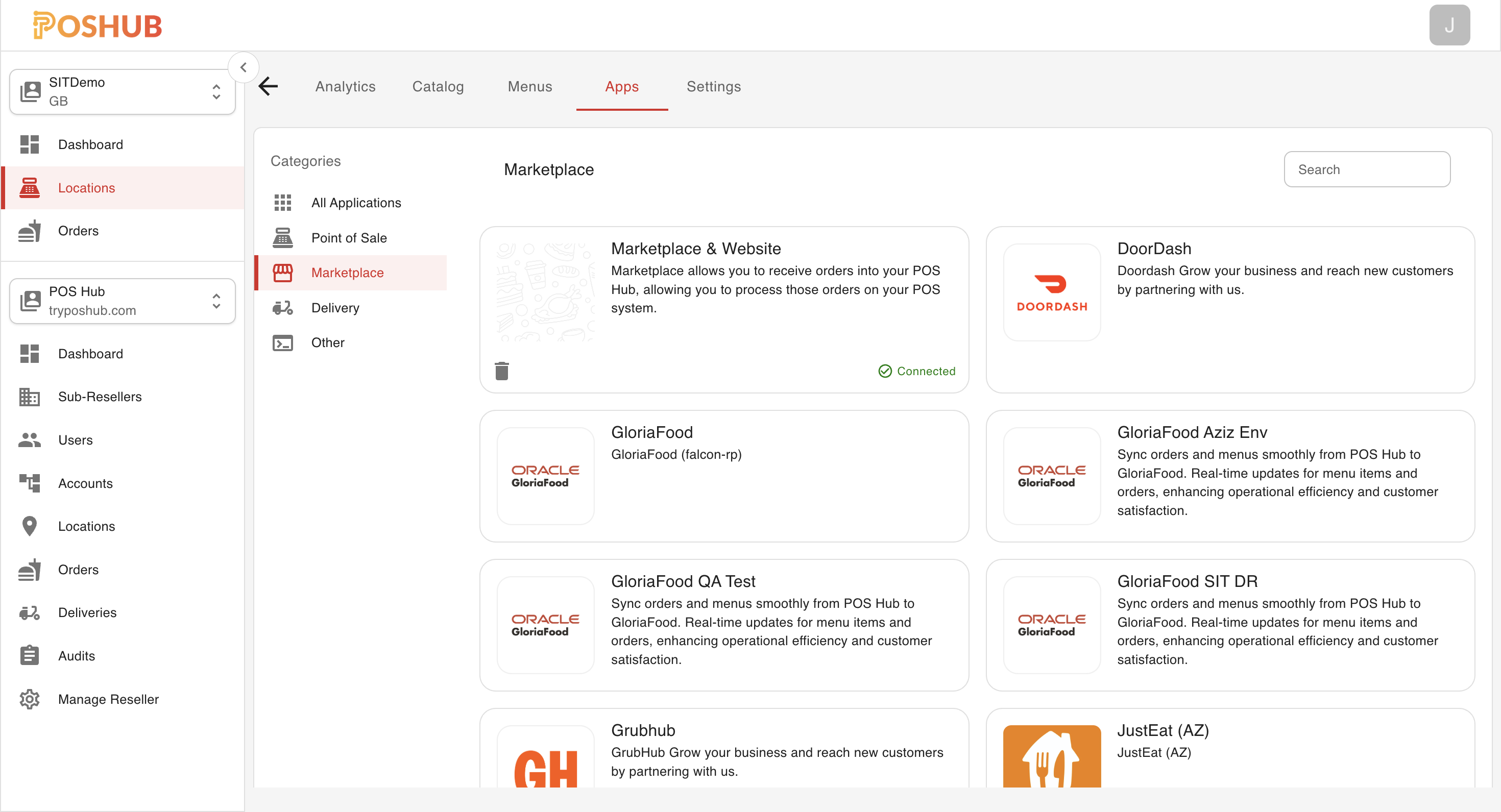
Here you will see a list of marketplace applications that are available to connect to your location, click the application you want to connect and a new window will appear that will begin the onboarding process for that particular application.
INFO
Each marketplace provider will have a different onboarding process, follow the instructions provided within the application window to complete the onboarding process.