
Appearance
Create Location
To create your first location, Click the Locations tab in the left sidebar of the POS Hub dashboard, then click on the Create Location button.
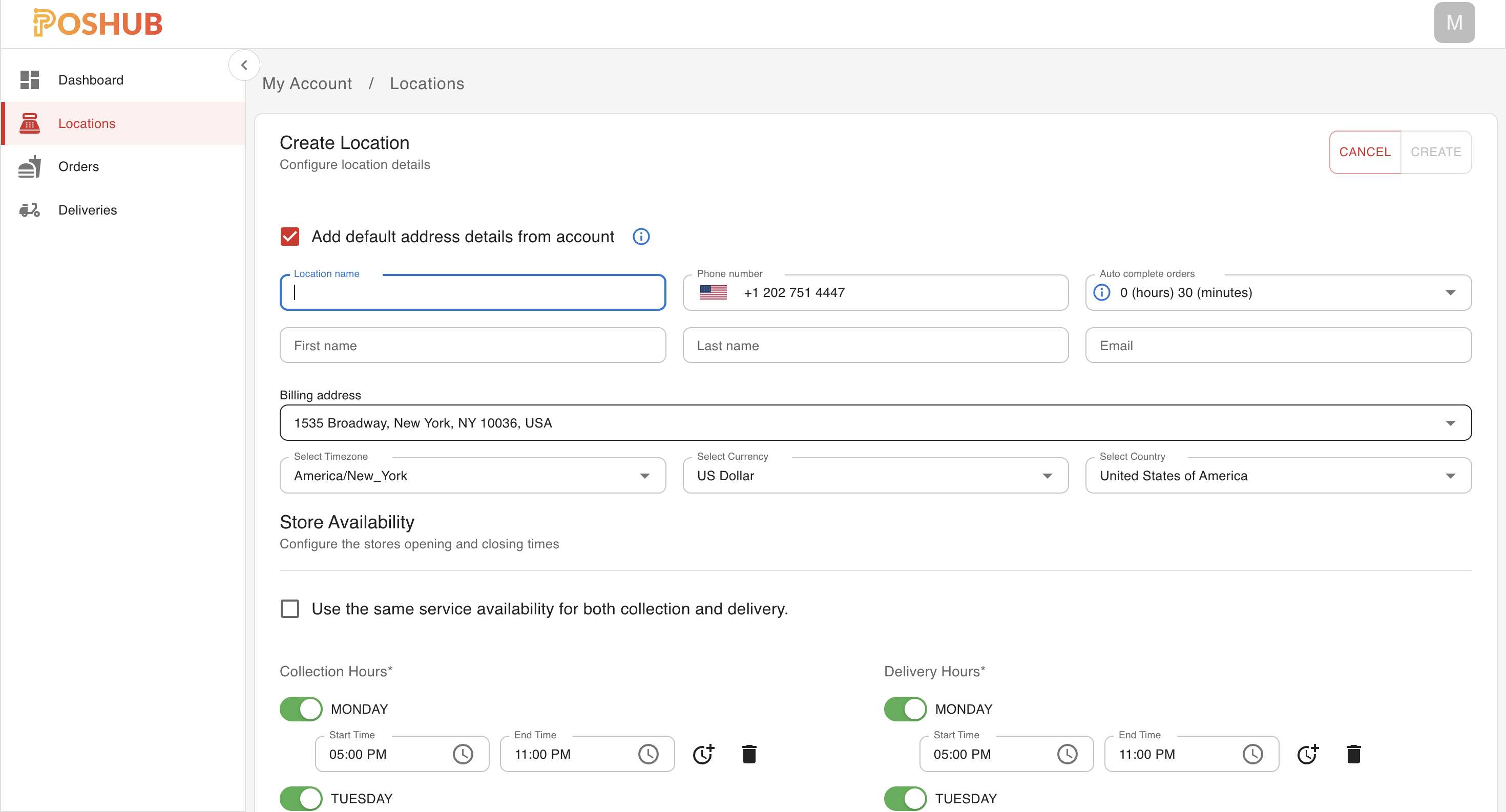
once you have created your first location, you should now be able to manage your store(s) and applications. Typically the first application to be installed is your POS application, which will allow you to populate the catalog, location details, tax rates and other information based on the POS application you are using.
Continue to Connect POS Application to learn how to connect your POS application to the location you just created.